

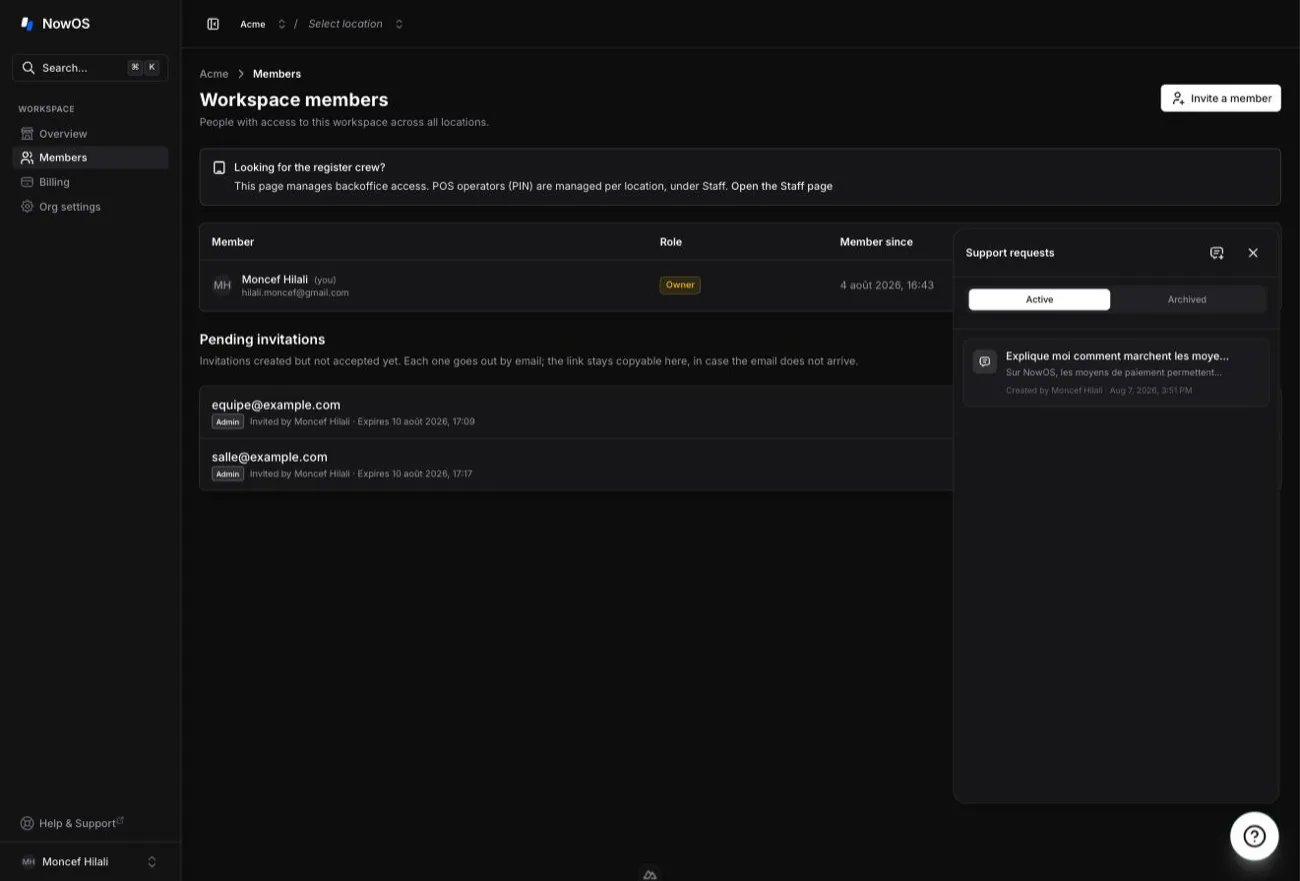
Ask a new question
- Click the ? button.
- Click New request.
- Describe what you want to do or the problem you encountered.
- Send your message.
- what you want to accomplish;
- the step where you are stuck;
- the message shown on screen, if any;
- the location concerned, if your workspace contains several locations.
The page you opened helps the agent understand the context, but does not limit
your question. You can ask about another topic.
Find a request
Click the history icon in the support panel. Requests are shared with other workspace members who can access the backoffice. A badge on the ? button shows how many new answers you have not read yet. The request creator can archive it. An archived request remains available to read, but no new message can be sent. Requests cannot be deleted.What the agent can do
The agent can:- search for a procedure in the official documentation;
- know the active workspace and location;
- list the locations you can access;
- check whether a main register is configured and read the paired-device status.