

The backoffice and the register
NowOS comes as two complementary tools:- The backoffice is a web app, available from any browser. It’s where the owner or manager configures the business: the menu or catalog, taxes, staff, devices. It’s also where you track your sales and reports.
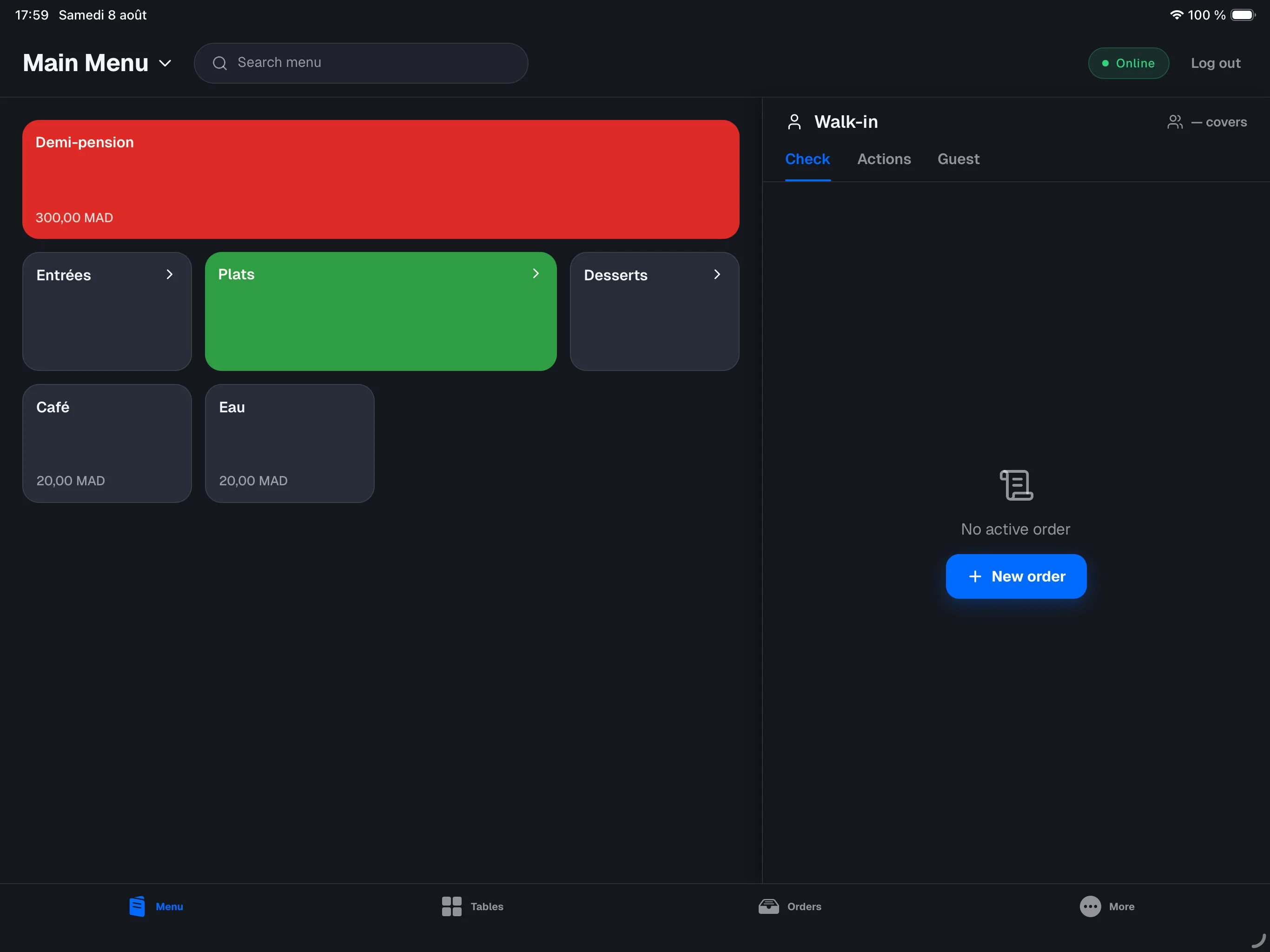
- The register is the NowOS app on iPad. It’s your staff’s tool during service: taking orders, collecting payments, closing the day.
The main register and secondary devices
Among your iPads, one plays a special role: the main register. It is the source of truth for your store.- Every other iPad is a secondary device. They take orders and collect payments normally, but every operation goes through the main register, over the store’s Wi-Fi.
- The main register works without internet: as long as it is on and your devices are on the same Wi-Fi network, you can sell normally, even during an internet outage. Your data flows up to the backoffice as soon as the connection returns.
An internet outage, on the other hand, is harmless: service continues
normally on the local network. Only the link to the main register matters
during service.
The business day
Your sales are grouped by business day: the envelope that runs from start of day to close of day.1
Start of day
On the first payment of the day, the register asks you to open the day by
confirming the opening float — the cash in the drawer at the start.
2
During service
Sales are recorded as they happen. Any cash movement outside a sale
(change, an emergency purchase, a pay-out) is declared with a mandatory
reason.
3
Close of day
At the end of the day, you count the drawer as a blind count: the
register only shows you the expected amount after you’ve counted. The day
is then sealed and its summary (the Z ticket) prints.
Forgot to close? The forgotten day is sealed automatically at the next
opening, with the drawer marked “not counted”.
From order to sale
Four words come up everywhere in NowOS. Here is how they chain together:- The order is the working container: you add items and change quantities for as long as it stays open.
- Every order contains one or more checks. The check is what the customer pays. In retail mode there is always exactly one; in restaurant mode you can split the check (a table of four can pay across four separate checks).
- Each check receives one or more payments — cash or card. Payments can add up (for example half cash, half card).
- When a check is fully paid, it becomes a sale: a final, tamper-proof record, with its receipt.
Card payment works with your usual card terminal, not connected to NowOS:
you charge on the terminal, then type the amount into the register. See
Payments.