

The iPads
The register (the NowOS app) runs on iPad. Your store needs:- one iPad dedicated as the main register — it records every order in the store, including orders taken on other devices;
- as many secondary devices as you need — iPhones or iPads for your staff, which connect to the main register.
Retail mode: no barcode gun is needed to scan barcodes. The register uses
the iPad camera.
The network
- Every device on the same Wi-Fi. The main register, secondary devices, and printers must all be connected to the same store Wi-Fi network.
- Internet is for the backoffice. The internet connection lets you publish your menu, follow your sales and device status from the backoffice, and set up new devices.
Without internet, the store keeps selling. Orders and payments go through
the main register, over the local network. The register simply shows “Offline
— service continues” and everything syncs back to the backoffice automatically
when the connection returns.
Thermal printers
NowOS prints receipts (and, in restaurant mode, kitchen tickets) on thermal printers connected over Wi-Fi, on the same network as the main register. The reference model is the Epson TM-M30III (80 mm); 80 mm and 58 mm paper widths are supported. Each printer is declared in the backoffice (Settings → Printers), with its name, IP address, MAC address, paper width, and model. Reserve a fixed IP address for the printer in your router, so it doesn’t change over time.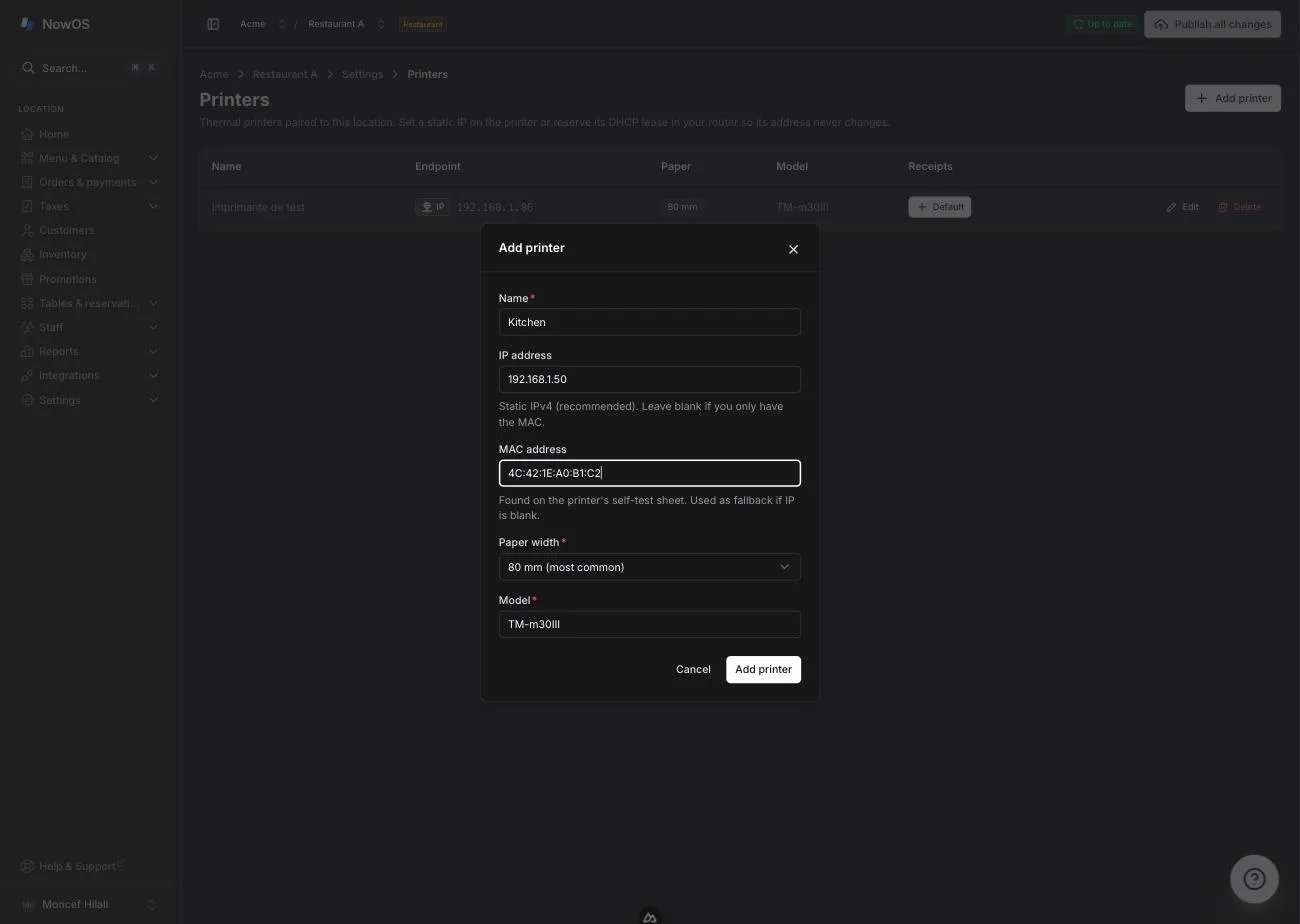
- Restaurant mode: plan a printer at the counter for receipts, and a printer in the kitchen (or at the bar) for kitchen tickets.
- Retail mode: one receipt printer at the counter is enough.
The cash drawer
NowOS manages one cash drawer per store, set up next to the main register. Opening the drawer stays manual (the drawer’s key or button): NowOS does not trigger it to open automatically. The drawer follows the business day: you enter the opening float at start of day, and you do the blind count at close of day. See Start of day and Close of day.The backoffice
The backoffice is a web app: a computer (or a tablet) with a browser is all you need. That’s where you manage the menu, devices, printers, and your reports. See Getting started with the backoffice.Checklist
Before moving on to pairing your devices, make sure you have:- One iPad dedicated as the main register, plugged in, in a fixed spot.
- Your secondary iPhones or iPads, charged.
- A Wi-Fi network that every device and printer is connected to.
- One or more network thermal printers (Epson TM-M30III recommended), with a fixed IP address.
- A cash drawer next to the main register.
- A computer with access to the backoffice.